How to Tune AGC and Image Quality with FLIR Boson and Boson+ Thermal Camera Modules
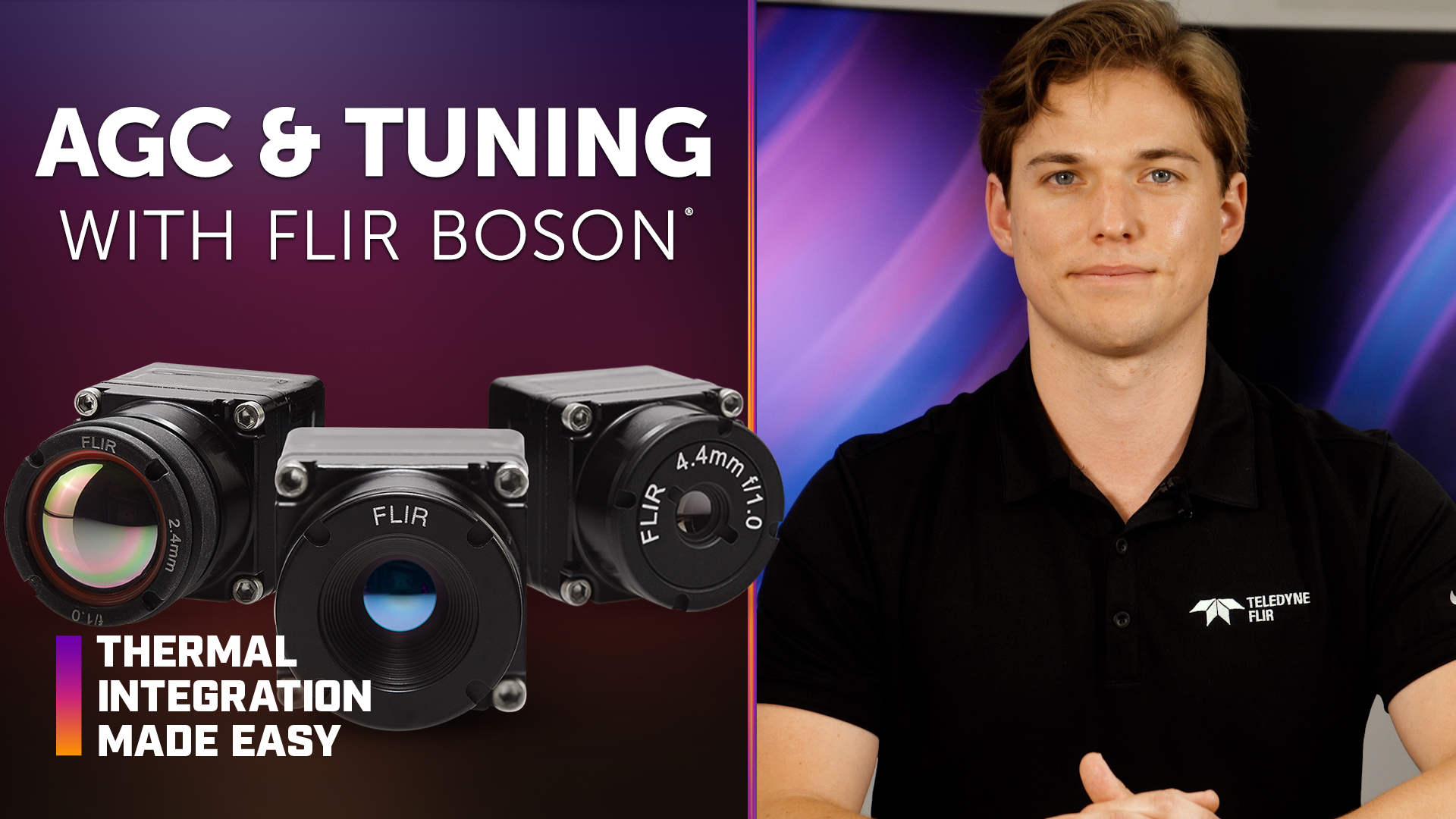
Automatic gain control (AGC) and image tuning can significantly improve the contrast, sharpness, and overall usability of thermal imagery from FLIR Boson® and Boson+ thermal camera modules. Adjusting image-processing parameters allows original equipment manufacturer (OEM) developers to optimize thermal imagery based on application requirements, scene conditions, and the balance between contrast, detail, and image noise.
In this episode of Thermal Integration Made Easy, engineers and developers learn how Boson and Boson+ AGC works and how parameters such as maximum gain, linear percent, digital detail enhancement (DDE), adaptive contrast enhancement (ACE), region of interest (ROI), and outlier cut can be used to tune thermal imagery. The video also covers AGC presets, configuration tools, and the improved AGC performance and thermal sensitivity available with Boson+.
Key Takeaways
What is AGC in thermal imaging?
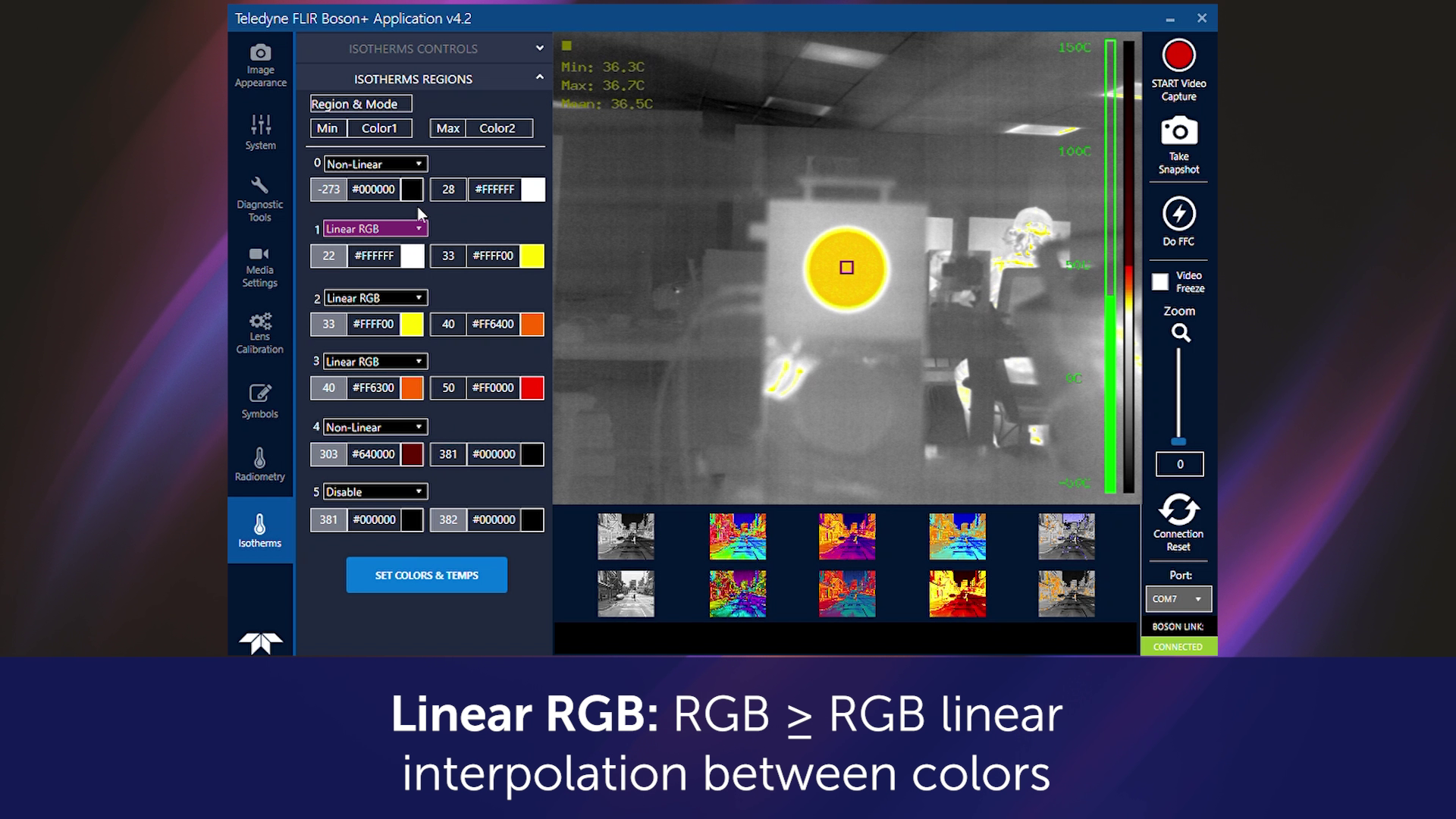
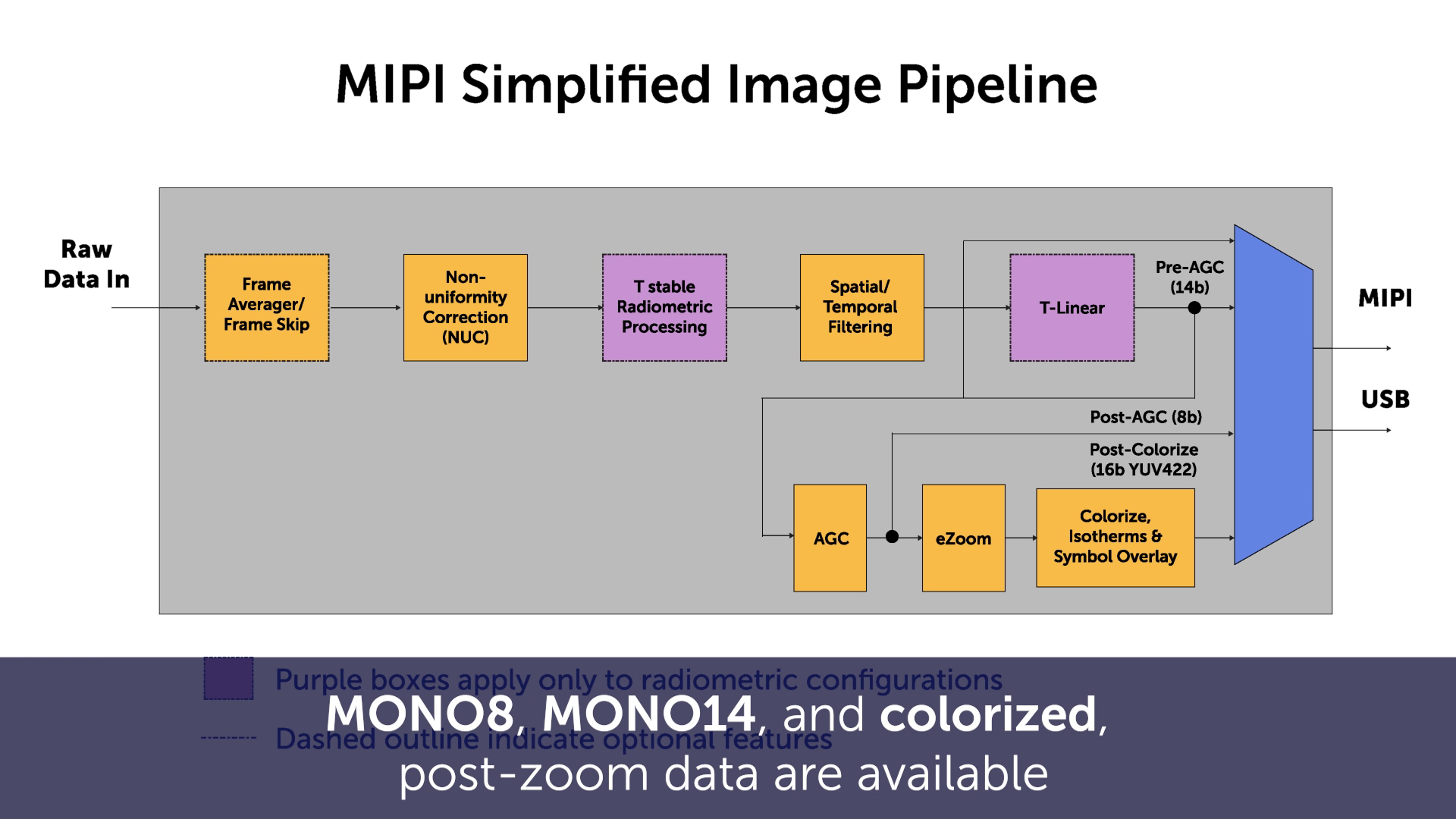
AGC converts uncompressed raw or pre-AGC monochrome thermal data from the 14- or 16-bit space into an 8-bit format that can be displayed. The processed image can then be colorized using a color palette lookup table (LUT) and converted to a YCbCr output.
Why is AGC important for thermal image quality?
AGC optimizes the contrast and appearance of thermal imagery for display. Tuning AGC parameters allows developers to prioritize characteristics such as contrast, edge detail, noise reduction, or visibility of specific objects within a scene.
What does maximum gain do in Boson AGC?
Increasing maximum gain can improve contrast in low-contrast scenes, but it can also increase image noise. The appropriate setting depends on the desired balance between contrast and noise.
What does linear percent do?
Linear percent increases histogram spacing between objects with different temperatures. It can be adjusted to influence how specific objects and temperature differences are represented within dynamic thermal scenes.
What is DDE?
DDE increases edge sharpness within the thermal image. Increasing DDE can make object boundaries and fine details more visible but can also increase high-frequency noise.
What is ACE?
ACE provides a gamma-like correction that can shift the thermal image toward darker or lighter shades. Adjusting ACE can help emphasize particular scene characteristics based on the application's imaging requirements.
How can Boson prioritize important areas of a thermal image?
ROI can be used to exclude areas that are not important to the application and focus AGC processing on specific scene content. This can be particularly useful for inspection applications where only a defined object or area is important.
What is outlier cut in Boson AGC?
Outlier cut allows AGC processing to ignore extreme values within the thermal scene, such as the sky or unusually hot or cold objects, so those values do not dominate the histogram. Outlier cut balance can further control whether hot or cold objects are deprioritized.
What is entropy mode?
Boson's entropy mode can deprioritize low-contrast regions, such as the sky, allowing more of the available AGC range to be allocated to other scene content.
Should one AGC configuration be used for every application?
Not necessarily. Different operating environments and use cases may benefit from different AGC settings. Presets can provide optimized image tuning for multiple scenarios while reducing complexity for the end user.
How should AGC settings be tested?
The video recommends testing the camera in an environment representative of the intended application and using the Boson graphical user interface (GUI) on a Windows device to tune AGC parameters based on the desired image characteristics.
How can AGC settings be transferred between Boson cameras?
The configuration report tool in the Boson GUI can be used to save and transfer camera settings, helping maintain consistent configurations across multiple cameras.
How does Boson+ improve thermal image quality?
According to the video, Boson+ features an improved AGC algorithm designed to provide greater contrast with more whites and blacks and fewer middle grays. Its thermal sensitivity of less than 20 mK can also improve contrast in scenes with small temperature differences, including cold, rainy, foggy, or low-sunlight environments.
How to Tune AGC for FLIR Boson and Boson+
Define the desired image characteristics.
Determine whether the application should prioritize contrast, lower image noise, edge sharpness, specific objects, or other scene characteristics.
Adjust maximum gain and DDE for contrast and detail.
Increasing maximum gain can improve overall contrast, while increasing digital detail enhancement can improve edge sharpness. Both adjustments can also increase image noise.
Use linear percent and ACE to adjust scene representation.
These parameters can help control how temperature differences and light or dark shades are represented within the thermal image.
Use ROI when specific scene content is most important.
A region of interest can focus AGC processing on an important object or defined area, particularly in inspection applications.
Use outlier cut to deprioritize extreme scene values.
Outlier cut and outlier cut balance can reduce the influence of elements such as the sky or unusually hot or cold objects.
Create presets for different operating conditions.
When one AGC configuration cannot provide optimal imagery across all use cases, multiple presets can be developed for different environments or application requirements.
Test settings in a representative environment.
The camera and a Windows laptop can be used with the Boson GUI to evaluate image tuning under conditions similar to the intended application.
Save and transfer the final configuration.
The Boson GUI configuration report tool can save settings and simplify transferring the selected configuration between cameras.
Products & Technology Featured
FLIR Boson and Boson+ Thermal Camera Cores
FLIR Boson and Boson+ are compact, uncooled longwave infrared (LWIR) thermal camera cores designed for OEM integration across applications including autonomy, security, industrial inspection, and other embedded thermal imaging systems.
Boson Interface & Development Accessories
- Boson MIPI Development Accessory Board
- Low Profile Boson VPC Interface Module with optional External Sync In/Out
- Boson VPC TTL Interface Module
- RHP Boson RC-IF Remote Control Interface
- Boson Lens Focus Tool
Looking for additional technical resources or support?
Visit our Support Center for documentation, software downloads, and troubleshooting guidance.
Related Documents
- Boson+ Datasheet
- Boson+ CZ Datasheet
- Boson Datasheet
- Boson Engineering Datasheet
- Boson Family Brochure
- 5 Factors Influencing Radiometric Temperature Measurements
Application Notes & Tools
- Boson Camera Adjustments Application Note
- Boson FFC/NUC Control Application Note
- Boson Development Board Application Note
- Boson Lens Selector Tool
Boson GUI Download