
How to Integrate FLIR Boson and Boson+ Thermal Camera Modules Using the GUI and SDK
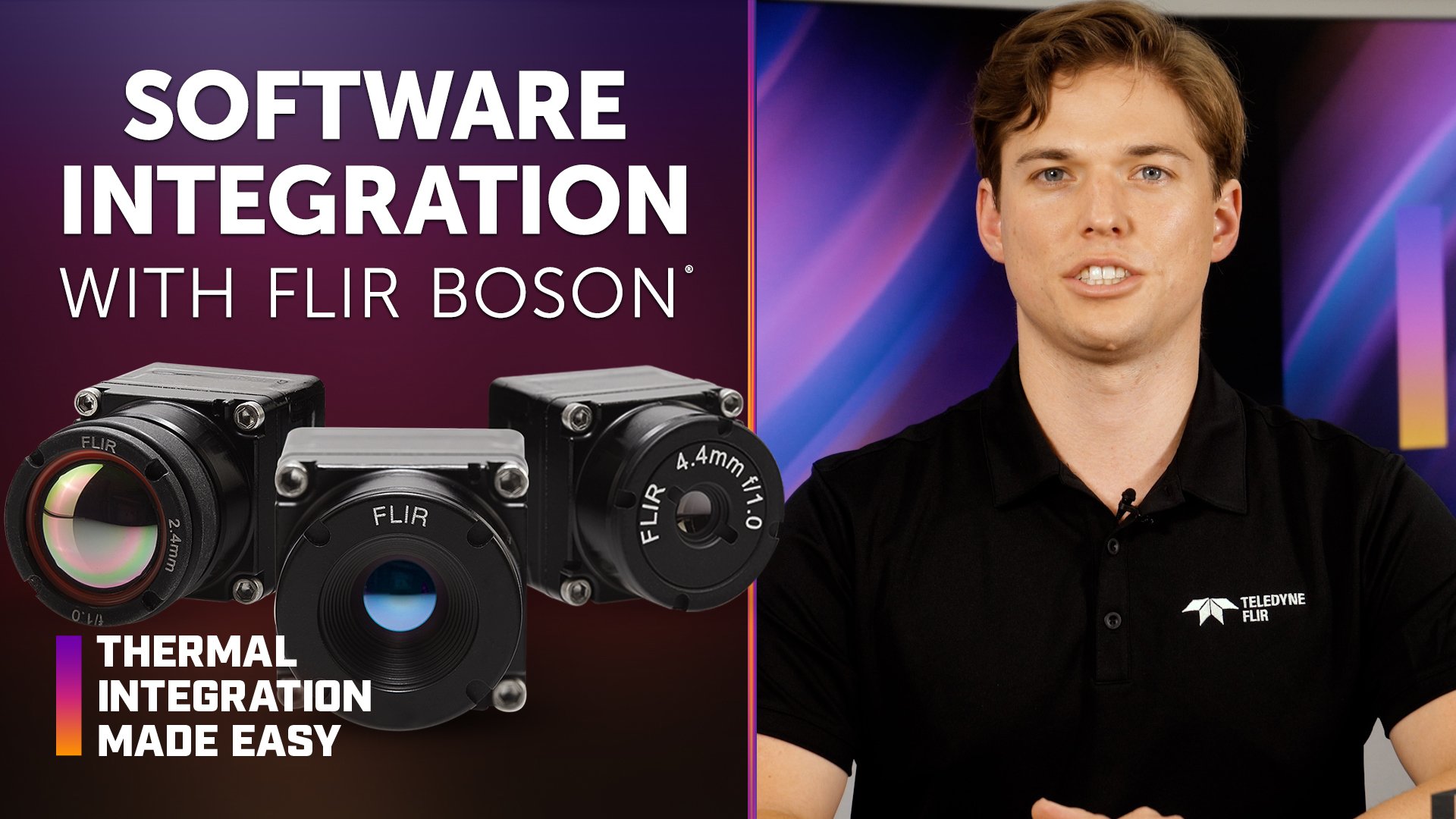
Software integration with FLIR Boson® and Boson+ thermal camera modules can be accomplished using the Boson graphical user interface (GUI), software development kit (SDK), or direct camera commands. Selecting the appropriate method depends on the development platform, communication interface, application requirements, and available system resources.
In this episode of Thermal Integration Made Easy, OEM engineers and developers learn how to use the Boson GUI and SDK to configure and control Boson and Boson+ thermal camera modules. The video covers Windows and Linux development, Python integration, universal serial bus (USB), universal asynchronous receiver-transmitter (UART), and inter-integrated circuit (I2C) communication, programmatic video streaming, and run, set, and get camera commands.
Key Takeaways
What software tools are available for FLIR Boson and Boson+ integration?
The Boson GUI provides quick access to camera settings for development and testing, while the Boson SDK enables programmatic camera communication and control. Developers can also construct and send byte-string commands directly when a smaller software footprint or limited command set is required.
Which Boson GUI version is required?
Original Boson models require GUI 3.x and earlier, while Boson+ models require GUI 4.x and newer. The video specifies Windows 10 64-bit or newer for operating the Boson GUI.
What operating systems does the Boson SDK support?
The Boson SDK supports Windows and Linux systems and can communicate with the camera through USB, UART, or I2C.
Can Python be used with the FLIR Boson SDK?
Yes. The video identifies Python as a convenient way to work with the Boson SDK because it provides a command-line interface for accessing camera application programming interface (API) functions, including run, set, and get commands.
Does the Boson SDK support thermal video streaming?
No. According to the video, the Boson SDK is used for camera communication and control rather than video streaming. OpenCV or another USB Video Class (UVC) library can be used to stream or capture video programmatically.
How can Boson video be viewed on Windows?
The built-in Windows Camera app, webcam viewers, and similar UVC-compatible applications can display Boson's colorized post-automatic gain control (AGC) video.
What are run, set, and get commands in the Boson SDK?
Run commands execute camera functions without requiring an argument. Set commands change configurable camera parameters, while get commands return information about the camera's current state, diagnostics, or statistics.
What is an example of a Boson run command?
The video uses run flat-field correction (FFC) as a useful debugging example. When the command executes successfully, the mechanical shutter can be heard activating.
What are Boson set commands used for?
Set commands configure runtime parameters such as AGC settings, video mode, gain mode, and other settings that affect camera operation. Each set command requires the appropriate argument and data type.
What are Boson get commands used for?
Get commands query camera status, diagnostic information, statistics, and current settings. They can also confirm that a setting changed successfully after a set command is executed.
Can Boson be controlled without the full SDK?
Yes. When the SDK creates too much memory overhead or an application requires only a limited number of commands, developers can construct and send byte-string commands directly to the camera.
Why should developers check for Boson SDK updates?
New SDK releases may introduce additional functionality while maintaining many existing functions. Developers should review current SDK documentation and releases when beginning or updating an integration.
How to Get Started with the FLIR Boson Python SDK
Install the appropriate Boson SDK.
The SDK should be selected based on the Boson camera model and development platform.
Confirm the Python installation.
The video specifies Python 3.5 or newer and requires the Python installation path to be included in the system PATH environment variable.
Open PowerShell in the SDK folder.
On Windows, PowerShell can be opened from the directory containing the SDK.
Identify the Boson COM port.
Windows Device Manager can be used to determine the communications (COM) port assigned to the connected Boson camera.
Use the SDK to access camera commands.
Run, set, and get functions can then be used to execute camera operations, change settings, and retrieve camera information.
Use a separate UVC-compatible library for video.
OpenCV or a similar library can be used when the application also requires programmatic thermal video streaming or capture.
Products & Technology Featured
FLIR Boson and Boson+ Thermal Camera Cores
FLIR Boson and Boson+ are compact, uncooled longwave infrared (LWIR) thermal camera cores designed for OEM integration across applications including autonomy, security, industrial inspection, and other embedded thermal imaging systems.
Boson Interface & Development Accessories
Looking for additional technical resources or support?
Visit our Support Center for documentation, software downloads, and troubleshooting guidance.
Related Documents
- Boson+ Datasheet
- Boson+ CZ Datasheet
- Boson Datasheet
- Boson Engineering Datasheet
- Boson Family Brochure
- 5 Factors Influencing Radiometric Temperature Measurements
Application Notes & Tools
- Boson Camera Adjustments Application Note
- Boson FFC/NUC Control Application Note
- Boson Development Board Application Note
- Boson Lens Selector Tool
Boson GUI Download