
How to Set Up the FLIR Hadron 640R Development Kit with Qualcomm RB5
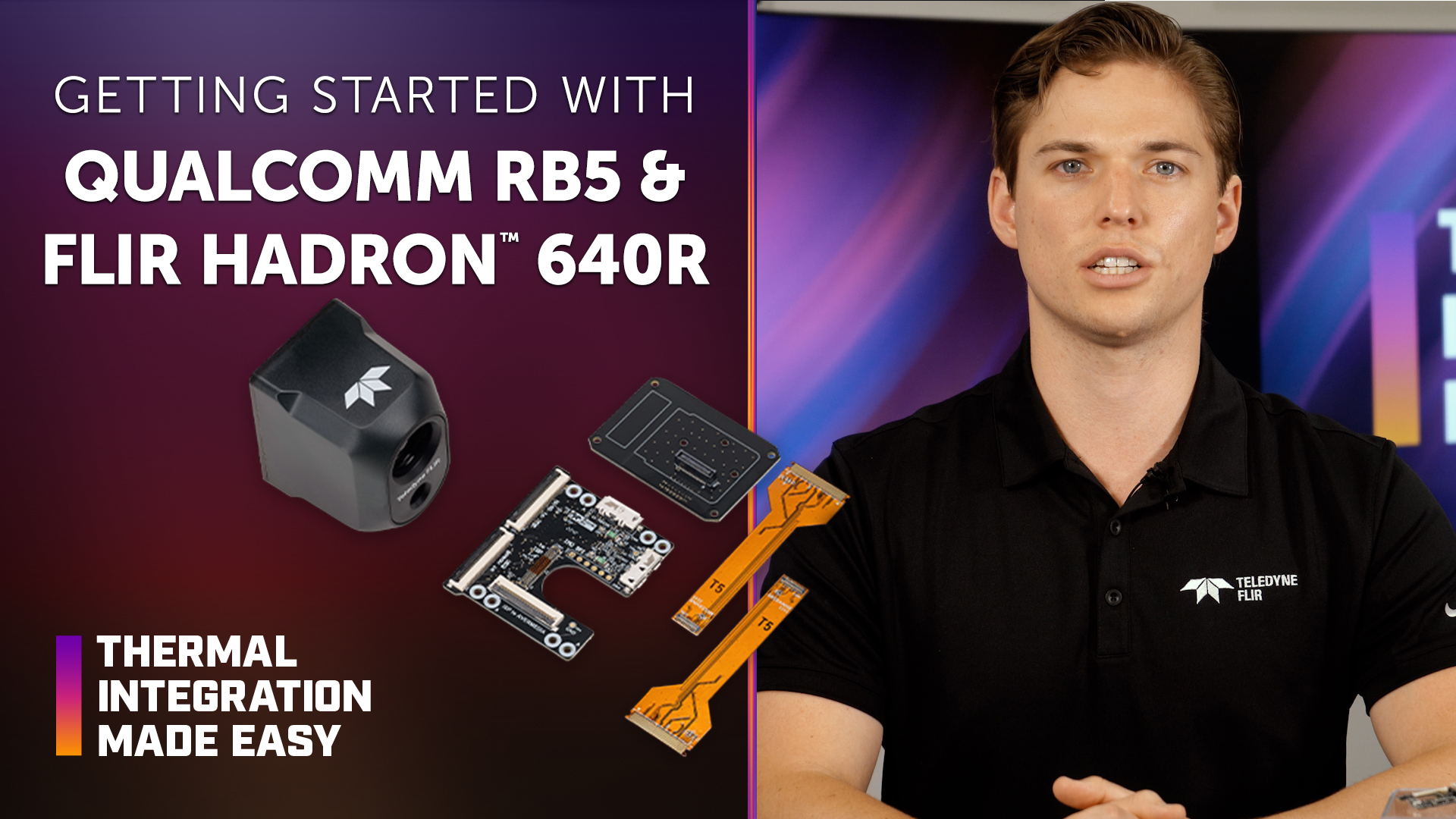
The FLIR Hadron® 640R Development Kit provides a streamlined way to connect, image, and control the Hadron 640R dual thermal and visible camera using the Qualcomm RB5 platform. The plug-and-play development solution helps OEM engineers reduce development time and cost while accelerating thermal and electro-optical (EO) camera integration.
In this episode of Thermal Integration Made Easy, engineers and developers learn how to connect the Hadron 640R Development Kit to a Qualcomm RB5 Vision Kit. The video covers required hardware, interposer and universal breakout board connections, flexible printed circuit (FPC) cabling, driver setup, and streaming EO video over Mobile Industry Processor Interface (MIPI) and thermal video over universal serial bus (USB).
Key Takeaways
What is the FLIR Hadron 640R Development Kit for Qualcomm RB5?
The development kit provides the hardware needed to connect the Hadron 640R to a compatible Qualcomm RB5 platform, helping developers begin imaging and controlling the camera without first developing a custom interface.
What Qualcomm hardware is required?
The video specifies a Qualcomm RB5 Vision Kit that includes the Qualcomm RB5 kit and vision mezzanine required to connect to the camera interface. This hardware must be acquired separately.
What is included with the Hadron 640R Development Kit for Qualcomm RB5? The development kit includes a universal breakout board, an interposer board that extends signals from the Hadron 640R to the universal board, and two FPC cables.
Is any additional cabling required?
Yes. The video specifies a Micro SuperSpeed-to-USB-A cable that is not included with the development kit.
What does the interposer board do?
The interposer board attaches to the back of the Hadron 640R and extends the camera signals to the universal breakout board.
How is the Hadron 640R connected to the Qualcomm RB5?
The interposer board connects to the Hadron 640R, followed by the universal breakout board. An FPC cable then connects the Qualcomm RB5 to the EO camera port on the universal breakout board.
What should be checked when connecting the FPC cable?
The connections should be fully seated, and the clip on the universal breakout board should be securely closed as demonstrated in the video.
What software setup is required for Qualcomm RB5?
The Qualcomm RB5 must be flashed with the driver-ready image provided for the development kit before video streaming begins.
How is visible video streamed from the Hadron 640R to Qualcomm RB5?
Once setup is complete, the Hadron 640R can stream EO video to the Qualcomm RB5 over MIPI.
How is thermal video streamed from the Hadron 640R?
The video demonstrates thermal video streaming over USB while EO video is transmitted over MIPI.
Can the Hadron 640R stream thermal and visible imagery?
Yes. Hadron 640R is a dual thermal and visible camera, allowing the development platform to access both imaging channels.
What applications can use the Hadron 640R with Qualcomm RB5?
The video identifies unmanned aircraft systems (UAS), unmanned ground vehicles (UGVs), robotics platforms, and emerging artificial intelligence (AI)-ready applications where battery life and runtime are mission-critical considerations.
Why is Hadron 640R suited for embedded systems?
Hadron 640R combines thermal and visible imaging, radiometric capabilities, and flexible video outputs in a platform designed to simplify integration of Teledyne FLIR thermal technology.
How to Set Up the FLIR Hadron 640R Development Kit with Qualcomm RB5
Gather the required hardware.
Obtain the Hadron 640R Development Kit, a Qualcomm RB5 Vision Kit with the vision mezzanine, and the required Micro SuperSpeed-to-USB-A cable.
Attach the interposer board.
Connect the interposer board to the back of the Hadron 640R.
Attach the universal breakout board.
Connect the universal breakout board to the interposer board.
Connect the FPC cable.
Connect the flexible printed circuit cable from the Qualcomm RB5 to the EO camera port on the universal breakout board.
Secure the connections.
Confirm that the components and FPC cable are fully seated and that the clip on the universal breakout board is securely closed.
Flash the Qualcomm RB5.
Flash the platform using the driver-ready image provided for the development kit.
Begin video streaming.
Once the hardware and software setup are complete, EO video can be streamed over MIPI and thermal video over USB from the Hadron 640R.
Products & Technology Featured
The Hadron 640R combines radiometric thermal imaging and visible imaging in a compact dual-camera module designed for embedded integration. Its capabilities support UAS, UGV, robotics, and AI-ready applications where size, power consumption, and runtime are important system considerations.
FLIR Hadron 640R Development Kits
The Hadron 640R Development Kit provides hardware and driver support for connecting the Hadron 640R to a compatible Jetson Nano platform. The kit is designed to simplify initial development and reduce the time required to begin streaming and controlling the camera.
Third-Party Resources
NVIDIA Jetson Nano Developer Kit
Qualcomm Robotics RB5 Development Kit
Looking for additional technical resources or support?
Visit our Support Center for documentation, software downloads, and troubleshooting guidance.
Articoli correlati
-
 Video
Video
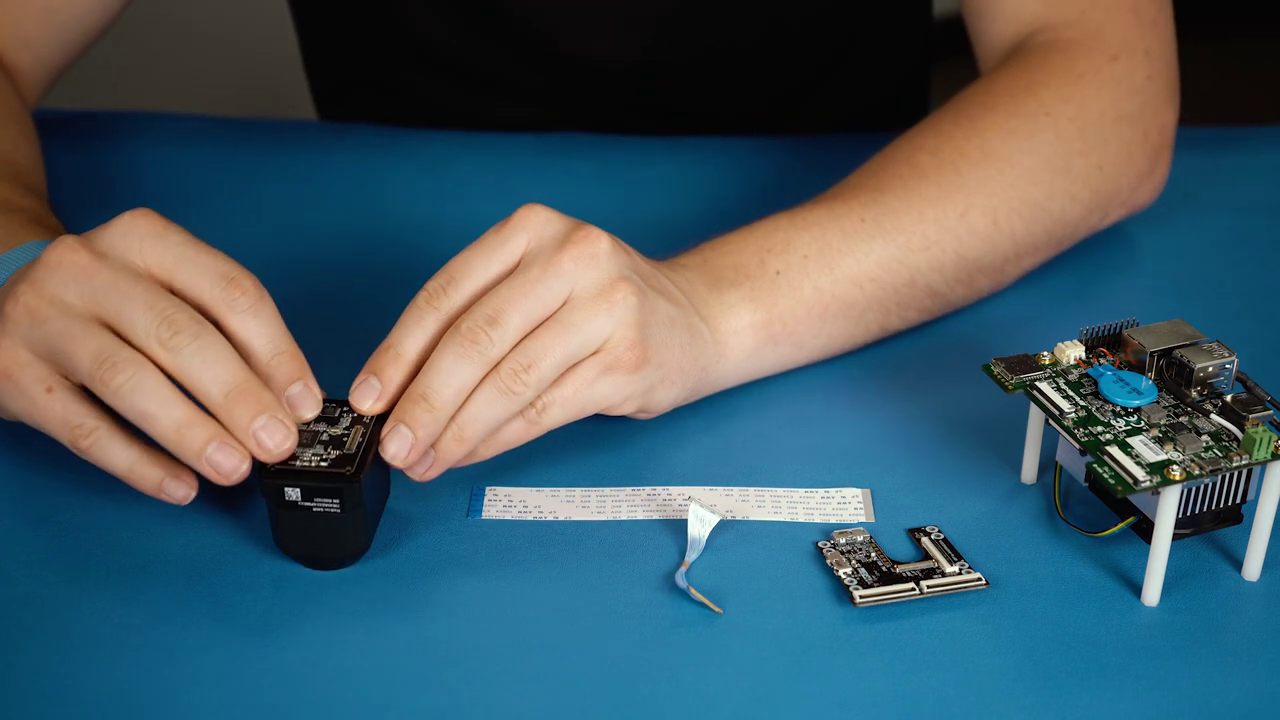
Nozioni di base su NVIDIA Jetson Nano e FLIR Hadron 640R
Guarda ora -
 Video
Video
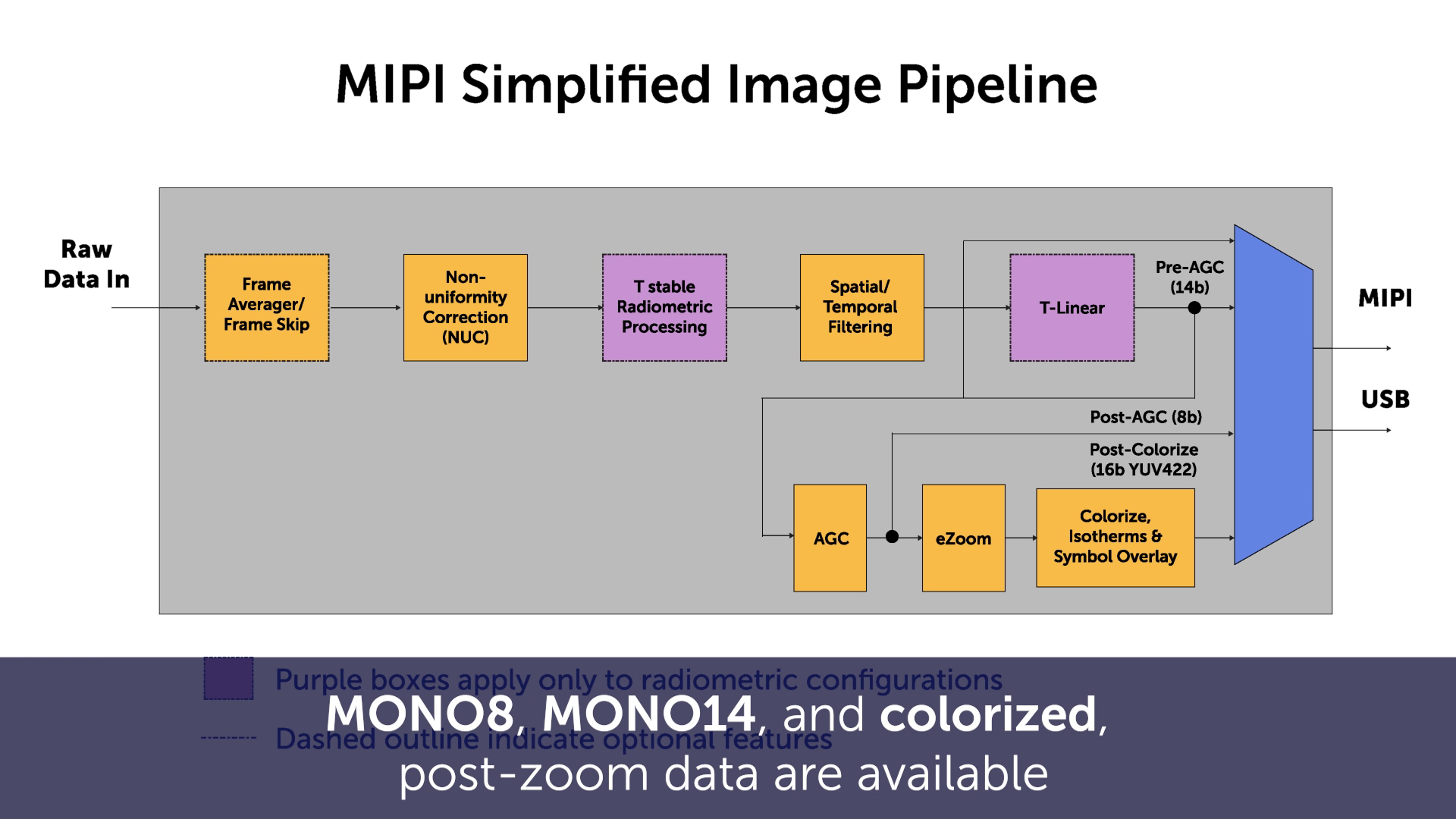
Integrazione MIPI con FLIR Boson & Boson+
Guarda ora -
 Video
Video
Integrazione software con FLIR Boson & Boson+
Guarda ora