
How to Use SPI and I2C Communication with the FLIR Lepton Thermal Camera Module
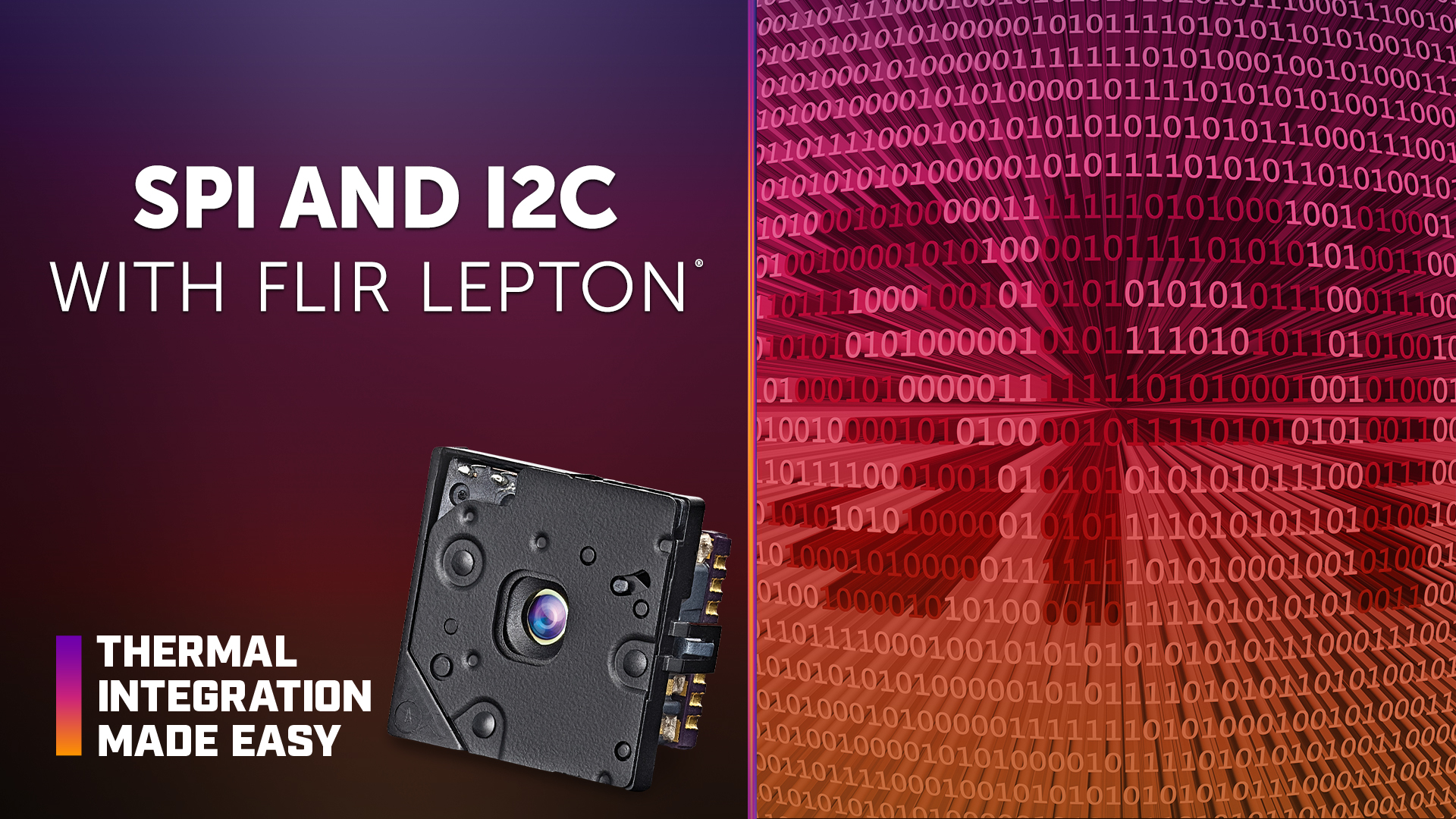
Reliable integration of the FLIR Lepton® thermal camera module requires proper configuration of its video and communication interfaces. Serial peripheral interface (SPI) timing, synchronization, and processing performance are particularly important for maintaining a consistent thermal video stream and preventing incomplete frames or loss of synchronization.
In this episode of Thermal Integration Made Easy, OEM engineers and developers learn how SPI and inter-integrated circuit (I2C) communication work with Lepton, including dedicated bus requirements, Video over SPI (VoSPI), clock speed, frame synchronization, vertical synchronization (VSYNC), and direct memory access (DMA). The video also compares the integration requirements of Lepton 2.5 and Lepton 3.5 and explores common SPI timing and synchronization issues.
Key Takeaways
How are SPI and I2C used with FLIR Lepton?
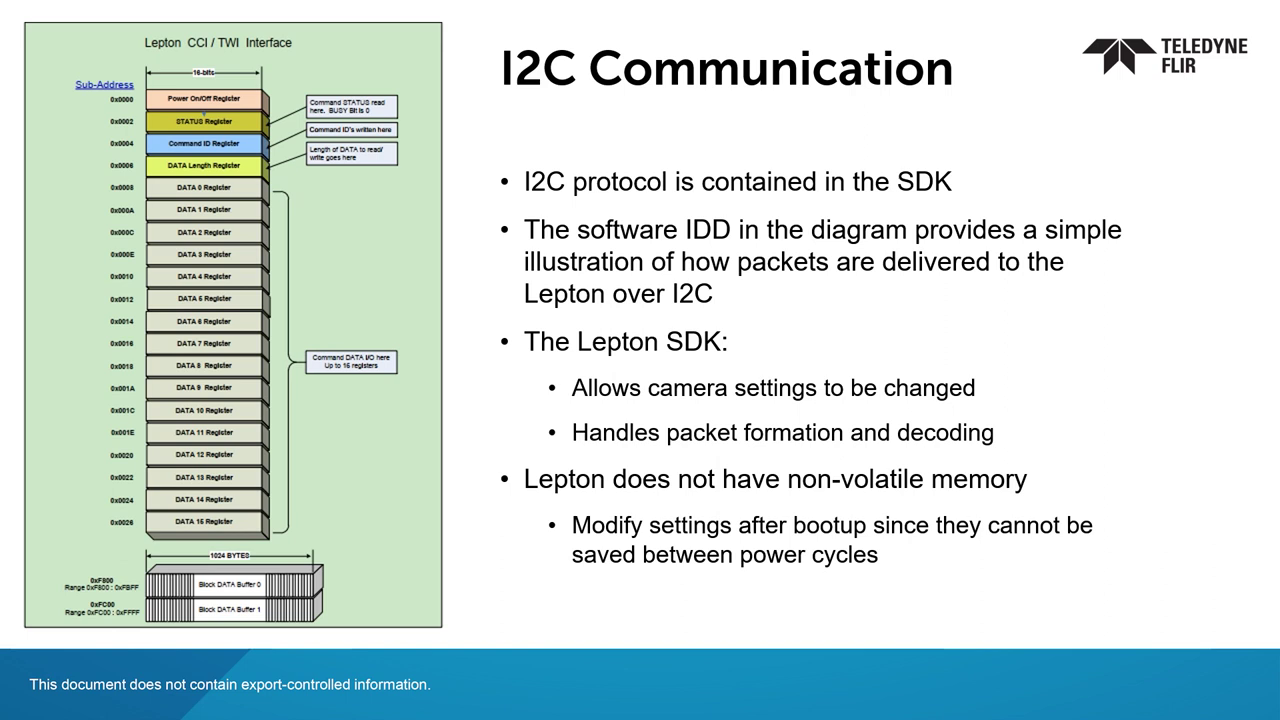
SPI is used to transmit thermal video from Lepton, while I2C supports camera communication and control. Depending on the host system, level shifting may be required because Lepton operates on 3 V VDDIO while some systems use 1.8 V I2C.
Does FLIR Lepton require a dedicated SPI bus?
Yes. Lepton should be connected to a dedicated SPI bus that is not shared with other SPI devices. A dedicated I2C bus is also typically recommended to reduce the potential for interference.
What is VoSPI?
VoSPI is the interface used to transfer Lepton thermal video over SPI. Developing a reliable VoSPI driver is a critical part of Lepton integration because the driver must maintain proper timing and synchronization while collecting the camera's video data.
How do VoSPI requirements differ between Lepton 2.5 and Lepton 3.5?
Lepton 2.5 has an 80 × 60 pixel resolution, while Lepton 3.5 has a 160 × 120 pixel resolution and produces four times as much data. Lepton 3.5 frames are divided into four segments that must be reassembled into a complete frame, increasing the processing and timing requirements for the host system.
Why does the VoSPI driver need to capture duplicate frames?
Lepton transmits duplicate frames as part of the video stream, and they must still be collected to maintain synchronization between the master and slave. For Lepton 2.5, two of every three transmitted frames are duplicates. For Lepton 3.5, two of every six are duplicates.
What SPI clock speed is recommended for Lepton 3.5?
The video recommends operating the SPI clock between 20 and 24 MHz for Lepton 3.5. This provides additional time to complete each SPI transaction before the next frame is ready.
How does Lepton 3.5 use VSYNC and DMA for video capture?
Lepton 3.5 should use the VSYNC general-purpose input/output (GPIO) interrupt to trigger frame capture. When connected to a processor, DMA can help ensure SPI transactions are read at the required time and reduce latency that could cause incomplete reads or loss of synchronization.
What happens when Lepton loses SPI synchronization?
When synchronization is lost, Lepton can output discard frames that typically contain a large number of zeros. The VoSPI driver should include logic to trigger a restart and re-establish synchronization.
Why is low latency important for Lepton SPI communication?
The hardware needs low latency and consistent interrupt-driven SPI reads. If a read begins too late or continues into the next video frame, the camera can lose synchronization. Depending on the processor and DMA implementation, a real-time kernel or direct access to the interrupt handler may be necessary.
How can developers identify SPI timing problems?
Inconsistent or delayed SPI reads can indicate latency, chip-select timing, SPI pin configuration, or processing issues. Reliable operation should produce a consistent, repeatable sequence of SPI transactions without reads extending into subsequent frames.
What development resources are available for Lepton VoSPI integration?
The Lepton VoSPI Developer Guide and engineering datasheet provide detailed integration guidance. Reference drivers for platforms including Raspberry Pi, BeagleBone Black, Ambarella, and Qualcomm are also available upon request.
How to Establish Reliable SPI Video Communication with FLIR Lepton
Use a dedicated SPI bus.
Lepton should not share its SPI bus with other devices. A dedicated I2C bus is also recommended to reduce potential interference.
Confirm voltage compatibility.
The host system should be evaluated for compatibility with Lepton's 3 V VDDIO. Level shifting may be required when interfacing with systems that use 1.8 V I2C.
Configure the SPI clock for the camera model.
Lepton 3.5 generally requires a faster SPI clock, with 20 to 24 MHz recommended in the video.
Use VSYNC to trigger Lepton 3.5 frame capture.
The VSYNC GPIO interrupt should initiate frame capture so SPI transactions occur at the appropriate time.
Use DMA when interfacing with a processor.
Direct memory access can help minimize processor latency and support timely SPI reads.
Capture the complete VoSPI stream.
Duplicate frames and all required frame segments should be collected to maintain synchronization and properly reconstruct the thermal image.
Include resynchronization logic in the driver.
The driver should be designed to detect synchronization loss and trigger a restart to re-establish communication.
Monitor for discard frames and timing issues.
Repeated discard frames or unsuccessful resynchronization may indicate that the driver, interrupt timing, or SPI configuration requires further debugging.
Products & Technology Featured
FLIR Lepton Thermal Camera Module
FLIR Lepton is a compact longwave infrared (LWIR) thermal camera module designed for integration into embedded electronics and thermal imaging systems. Its small form factor requires careful mechanical design around mounting, thermal management, field of view, protective windows, and shutter operation.
Looking for additional technical resources or support?
Visit our Support Center for documentation, software downloads, and troubleshooting guidance.
Engineering Documents
Brochures
Certifications
Related Articles
-
 Video
Video
How to Configure Video Output and Image Processing with FLIR Lepton Thermal Camera Module
Watch now -
 Technical Guidance
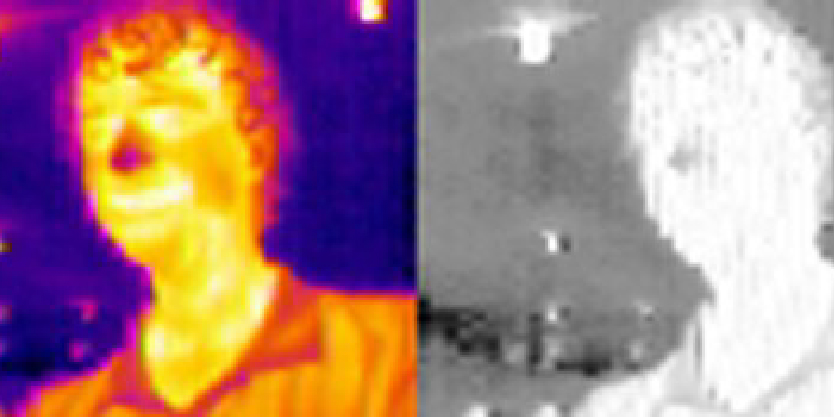
People-finding with a Lepton
Read the Story -
 News
News
Teledyne’s Thermal by FLIR program sees expansion with US Drone Makers BRINC and Teal
Read the story