How to Set Up Radiometry with FLIR Boson and Boson+ Thermal Camera Cores
Radiometry enables a thermal camera to measure and report temperature data from a scene, but accurate temperature measurement depends on more than the thermal camera itself. Environmental conditions, object properties, atmospheric effects, and materials between the camera and target can all influence radiometric measurements.
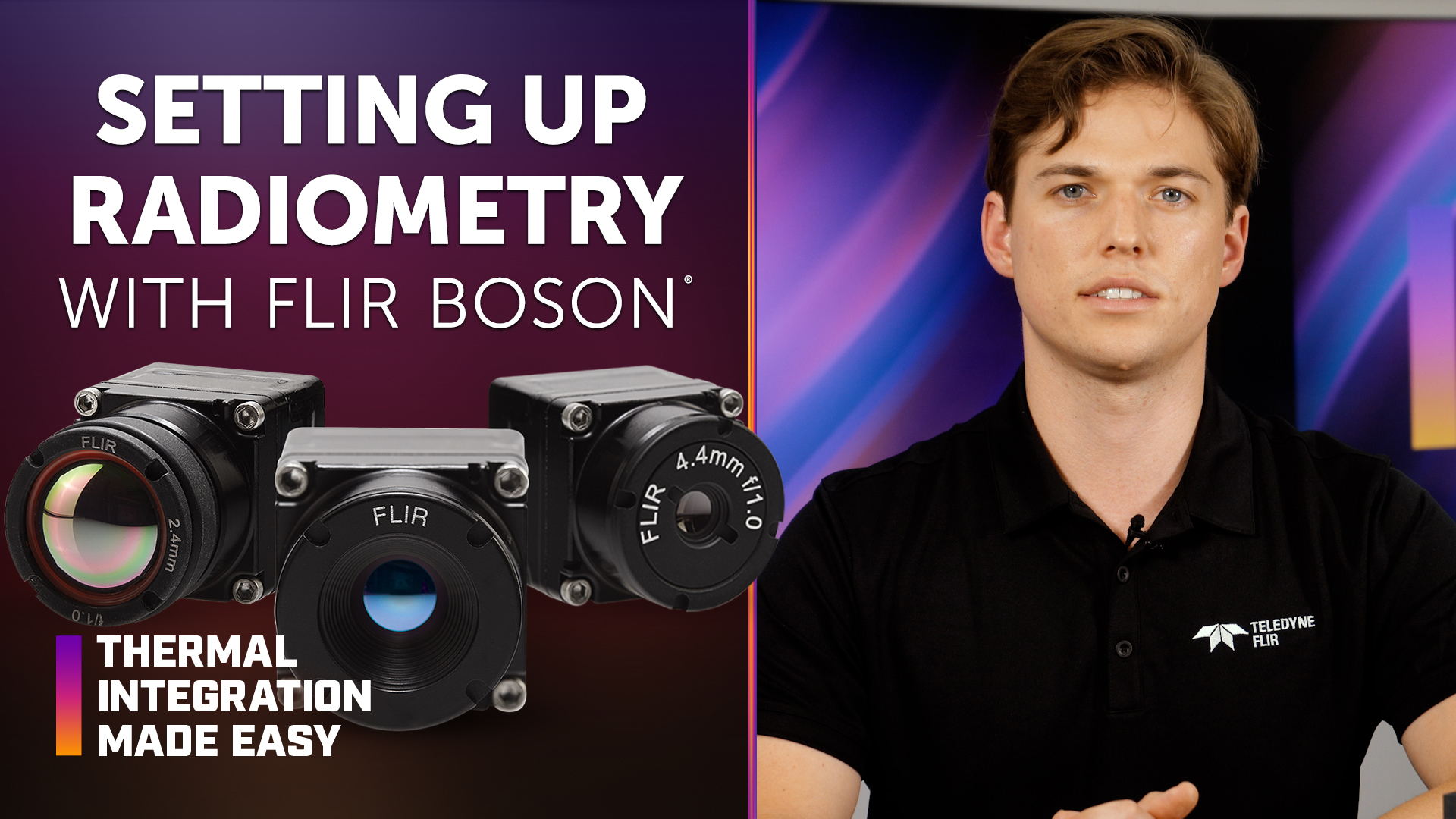
In this episode of Thermal Integration Made Easy, original equipment manufacturer (OEM) engineers and developers learn how to set up and use radiometry with FLIR Boson and Boson+ thermal camera cores. The video covers key environmental parameters and radiometric settings that affect temperature measurement accuracy, along with emissivity, temperature-linear (T-linear) output, infrared (IR) window transmittance, a quick method for determining window transmission, and isotherms for highlighting specific temperature ranges within a thermal image.
Key Takeaways
What is radiometry in thermal imaging?
Radiometry allows a thermal imaging system to measure the absolute temperature of objects within a scene, providing quantitative temperature data in addition to a thermal image. Because non-radiometric Boson cameras cannot be made radiometric after purchase, developers should specify a radiometric model when temperature measurement is required.
How does the FLIR Boson graphical user interface (GUI) support radiometric setup?
The Boson GUI gives developers quick access to radiometry settings and environmental parameters that can affect temperature measurement accuracy. It can be used to adjust factors such as window transmission, atmospheric conditions, target emissivity, and background temperature, as well as T-linear settings and isotherm controls.
What factors affect radiometric temperature measurement accuracy?
Radiometric accuracy can be influenced by the object being measured, the environment, and the thermal camera. Important factors include target emissivity, window temperature and transmission, atmospheric transmission and temperature, and background temperature.
Why does emissivity matter when measuring temperature?
Emissivity describes how efficiently an object radiates heat. High-emissivity targets generally provide more reliable thermal measurements, while highly polished metallic surfaces have much lower emissivity and can be more difficult to measure accurately.
What is T-linear output?
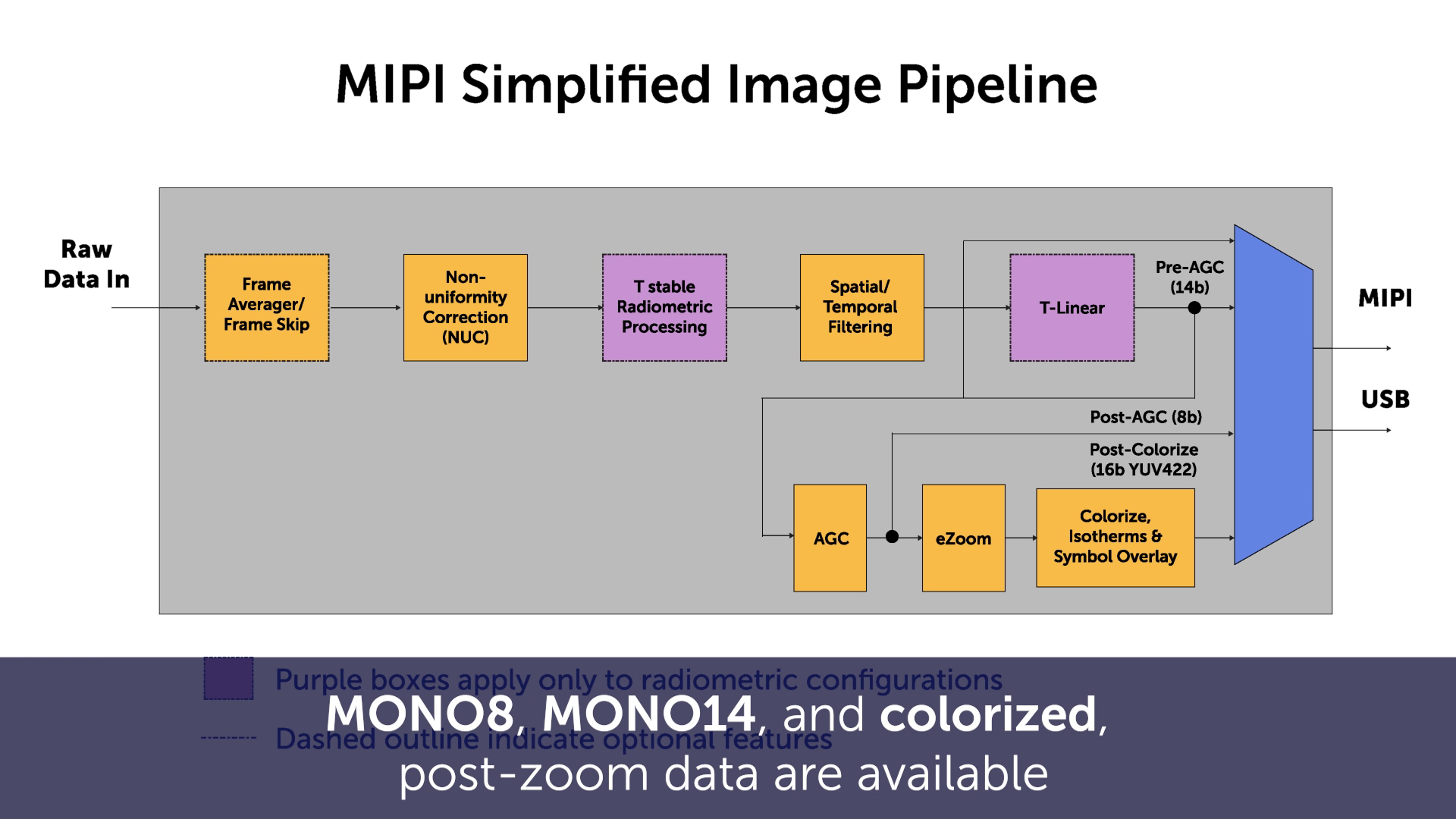
T-linear, is the temperature-linear output used for most radiometric applications. In High Gain mode, temperature in Kelvin is equal to 0.01 times the pixel value. T-stable, by comparison, is a flux-linear output and is generally used when manual flux-to-temperature conversion is required.
How do IR windows affect thermal temperature measurements?
An IR-transmissive window in the optical path can affect the infrared energy reaching the thermal camera. Developers can compensate for this by accounting for window temperature, transmission, reflection, and reflection temperature within the Boson radiometry settings.
How can developers determine IR window transmission?
The video demonstrates a quick IR window transmission test using a blackbody and the Boson window transmission environmental parameter. By comparing temperature measurements with and without the IR window, developers can estimate the window’s transmission percentage.
What are isotherms in thermal imaging?
Isotherms allow developers to apply customized colorization to defined temperature or percentage ranges within a thermal image. They can be used to highlight objects at specific temperatures while continuing to use the camera’s 8-bit colorized output.
How to Perform a Quick IR Window Transmission Test
An IR window in the optical path of a thermal camera can affect radiometric temperature measurements. To compensate for the window, developers can use a blackbody reference and the Boson window transmission environmental parameter to estimate its transmission percentage.
- Set up a blackbody reference. Set the blackbody to a temperature approximately 15°C higher or lower than the camera’s focal plane array temperature (TFPA).
- Position the thermal camera. Set up the Boson or Boson+ at an appropriate distance for imaging the blackbody.
- Set the camera to manual flat-field correction (FFC) mode. Manual FFC helps avoid small jumps in the radiometric output during the test.
- Allow the equipment to reach thermal equilibrium. Wait approximately 30 minutes for both the thermal camera and blackbody to stabilize.
- Record a baseline temperature measurement. Measure and record the temperature of the blackbody using the camera’s T-linear output before placing the IR window in front of the camera.
- Place the IR window in the camera’s field of view. Mount or hold the IR window in front of the camera so it is within the optical path.
- Adjust the window transmission parameter. Progressively lower the window transmission value in the environmental radiometry settings until the measured blackbody temperature matches the temperature previously recorded without the window.
- Determine the approximate window transmission. The setting that produces the same temperature reading before and after adding the IR window represents the approximate transmission percentage of the window.
IR windows are typically supplied with a specified transmission value, so the result of the test should be close to the manufacturer’s stated value.
Products & Technology Featured
FLIR Boson and Boson+ Thermal Camera Cores
The FLIR Boson family of uncooled longwave infrared (LWIR) thermal camera cores is designed for OEM integration across a range of qualitative and quantitative thermal imaging applications. The compact, lightweight, low-power platform offers multiple configurations and onboard image processing for developers integrating thermal imaging into larger systems.
Looking for additional technical resources or support?
Visit our Support Center for documentation, software downloads, and troubleshooting guidance.
Related Documents
- Boson+ Datasheet
- Boson+ CZ Datasheet
- Boson Datasheet
- Boson Engineering Datasheet
- Boson Family Brochure
- 5 Factors Influencing Radiometric Temperature Measurements
Application Notes & Tools
- Boson Camera Adjustments Application Note
- Boson FFC/NUC Control Application Note
- Boson Development Board Application Note
- Boson Lens Selector Tool
Boson GUI Download