
How to Measure Temperature with the FLIR Lepton Radiometric Thermal Camera Module
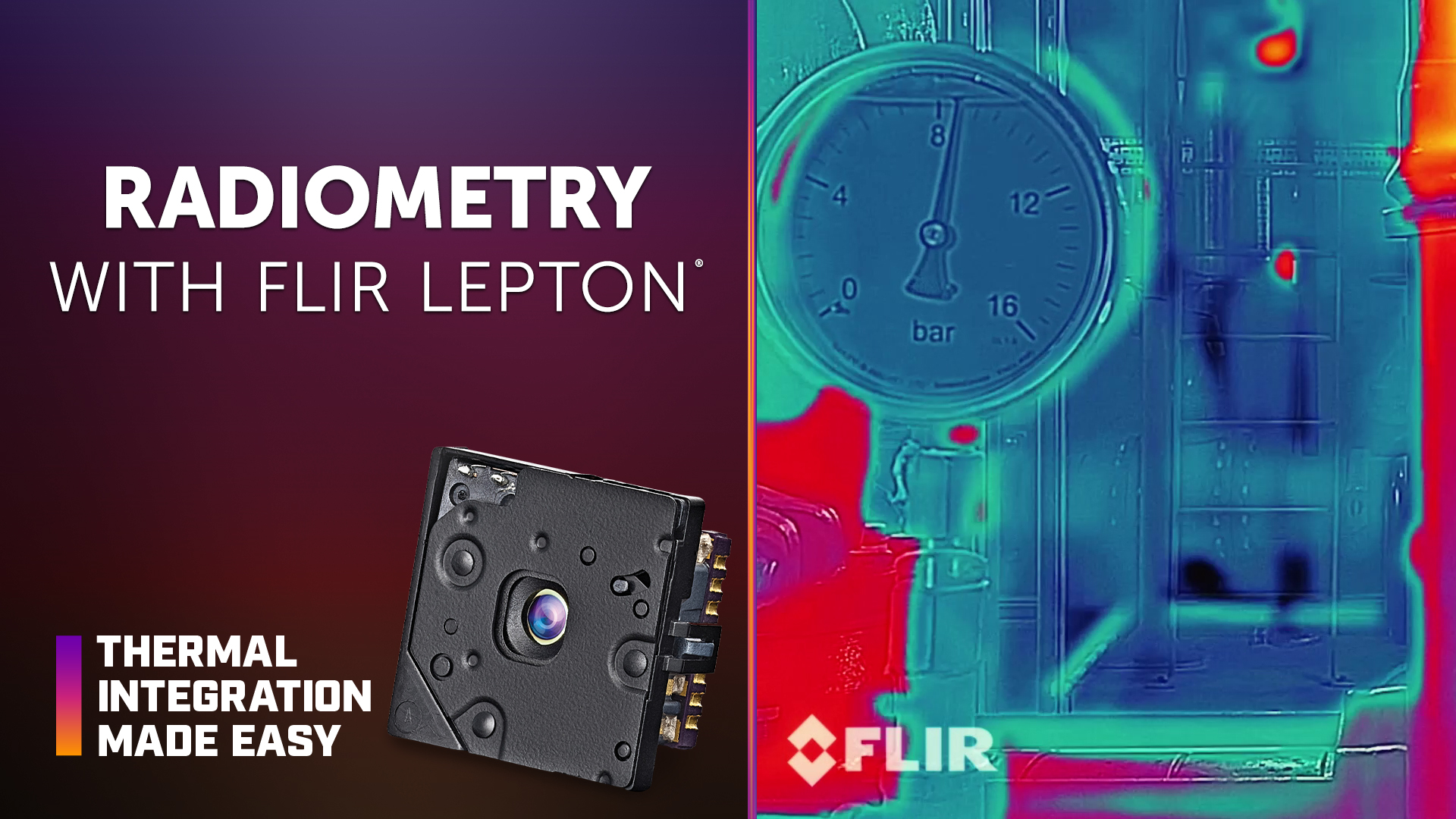
The FLIR Lepton® radiometric thermal camera module can provide temperature data for applications that require more than visual thermal imaging. Accurate temperature measurement depends not only on the camera output but also on system design, target characteristics, environmental conditions, and radiometric parameters such as emissivity and background temperature.
In this episode of Thermal Integration Made Easy, OEM engineers and developers learn how radiometry works with Lepton 2.5 and Lepton 3.5, including T-linear and T-stable output, radiometric accuracy, automatic gain control (AGC), and temperature conversion. The video also explores how camera temperature, pixel density, emissivity, background temperature, window transmission, and scene references can affect temperature measurement accuracy.
Key Takeaways
What is radiometry with FLIR Lepton?
Radiometry allows compatible Lepton models to provide data that can be used to measure scene temperature. Lepton 2.5 and Lepton 3.5 support radiometric operation, which can be enabled or disabled depending on the application.
What is the difference between T-linear and T-stable output?
T-linear provides 16-bit output that is linearly proportional to scene temperature and is the recommended output in the video when temperature measurement is required. T-stable stabilizes the camera output but requires an additional conversion to determine temperature.
How is Lepton T-linear output converted to temperature?
T-linear values can be converted to Kelvin by dividing the camera output by 100. For example, an output value of 30,000 corresponds to 300 K, or 26.85°C.
What is the radiometric accuracy of FLIR Lepton?
In High Gain mode, the video specifies accuracy of ±5°C or 5% of temperature. In Low Gain, or high-temperature measurement mode, accuracy is ±10°C or 10% of temperature. Accuracy also depends on camera temperature, scene temperature, and overall system design.
How does camera temperature affect radiometric accuracy?
Radiometric performance can be improved by keeping the camera as cool and thermally stable as possible. High-power components and other heat sources should be positioned away from Lepton to minimize temperature changes around the camera module.
How many pixels should be on the target for temperature measurement?
The video recommends a minimum of five pixels on the target, with 10 or more preferred. Smaller targets generally require the camera to be positioned closer so enough pixels cover the area being measured.
Why is Lepton 3.5 preferred for surface temperature measurement?
Lepton 3.5 provides greater resolution than Lepton 2.5, allowing more pixels to cover the target. This can improve the ability to measure the temperature of smaller surface areas.
How does emissivity affect Lepton temperature measurements?
Emissivity describes how effectively a surface emits thermal radiation. High-emissivity surfaces, such as many flat black objects, are generally better suited for temperature measurement. Lower-emissivity surfaces, such as polished metals, reflect more energy from the surrounding environment and can make accurate measurements more difficult.
What radiometric parameters should be adjusted when using T-linear output?
Scene emissivity and background temperature are two of the most important parameters to adjust in the software development kit (SDK). Small changes to these values can affect measured temperatures by several degrees.
Does an infrared window affect radiometric accuracy?
Yes. The transmission characteristics of an infrared window between Lepton and the target should be factored into the temperature measurement. Atmospheric transmission may have less impact in typical Lepton applications because targets are often relatively close to the camera.
Can a blackbody improve Lepton radiometric accuracy?
A known-temperature blackbody with an emissivity of 1 can provide a scene reference. Pixels viewing the blackbody can be used as a reference for determining temperatures elsewhere in the thermal scene.
When should AGC be used with Lepton?
The 8-bit automatic gain control interface is generally used when radiometric temperature measurement is not required. If both temperature data and high-contrast thermal imagery are needed, AGC processing must be performed on the integrator's host platform because Lepton provides only one video output.
How to Improve Radiometric Temperature Measurement with FLIR Lepton
Use T-linear output for temperature measurement.
T-linear provides 16-bit output that is linearly proportional to scene temperature.
Maintain a thermally stable camera environment.
Lepton should be kept as cool and isothermal as practical, with high-power components and other heat sources positioned away from the module.
Maximize pixels on the target.
At least five pixels should cover the target, with 10 or more preferred. Camera distance should be adjusted when measuring smaller targets.
Account for target emissivity.
The emissivity setting should reflect the surface being measured, particularly for low-emissivity or reflective materials.
Adjust background temperature.
Background temperature should be configured based on the surrounding thermal environment because reflected energy can affect temperature measurements.
Account for window transmission.
When an infrared window is positioned between Lepton and the target, its transmission should be included in the radiometric configuration.
Consider a known-temperature scence reference.
A blackbody with known temperature and emissivity can provide a reference for improving temperature measurement within the scene.
Evaludate the complete systems design.
Camera temperature, target characteristics, environmental conditions, optics, and surrounding electronics should be considered when optimizing radiometric performance.
Products & Technology Featured
FLIR Lepton Thermal Camera Module
FLIR Lepton is a compact longwave infrared (LWIR) thermal camera module designed for integration into embedded electronics and thermal imaging systems. Its small form factor requires careful mechanical design around mounting, thermal management, field of view, protective windows, and shutter operation.
Looking for additional technical resources or support?
Visit our Support Center for documentation, software downloads, and troubleshooting guidance.
Engineering Documents
Brochures
Certifications
Related Articles
-
 Video
Video
How to Configure Video Output and Image Processing with FLIR Lepton Thermal Camera Module
Watch now -
 Technical Guidance
Heat Activated Power Strip with Lepton and WeMo
Read the Story -
 News
News
Teledyne’s Thermal by FLIR program sees expansion with US Drone Makers BRINC and Teal
Read the story